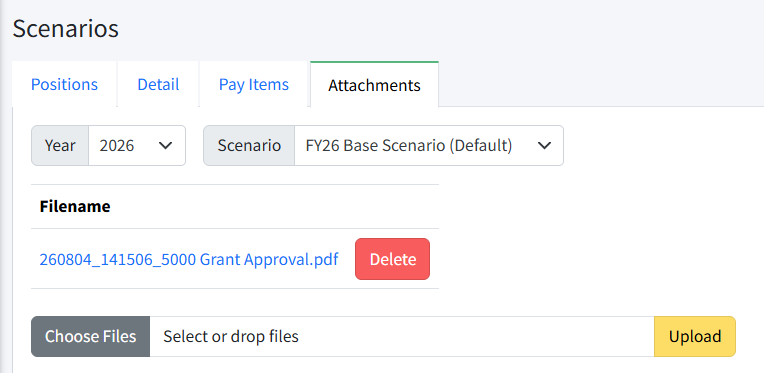
Attachments can be added to a scenario. This would include any supporting documentation. Attachments are copied from scenario to scenario. Attachments are not exported, and cannot be imported.
To add an attachment:
- Navigate to Personnel Budgeting > Scenarios > Attachments.
- Click Choose Files or drag and drop files to select the files you want to upload.
- Click Upload.
Was this article helpful?
That’s Great!
Thank you for your feedback
Sorry! We couldn't be helpful
Thank you for your feedback
Feedback sent
We appreciate your effort and will try to fix the article