The Balance Sheet Impact
Balance Sheet Impact is the net change to your balance sheet based on the corresponding budget projection. It does not show balances (that’s the Projected Balance Sheet). This is a Martus creation (as opposed to the Projected Balance Sheet and Statement of Projected Cash Flows which are widely used by other accounting systems).
You can view the report with a consolidated tab and a tab for each Location, or select a specific Location dimension if desired.
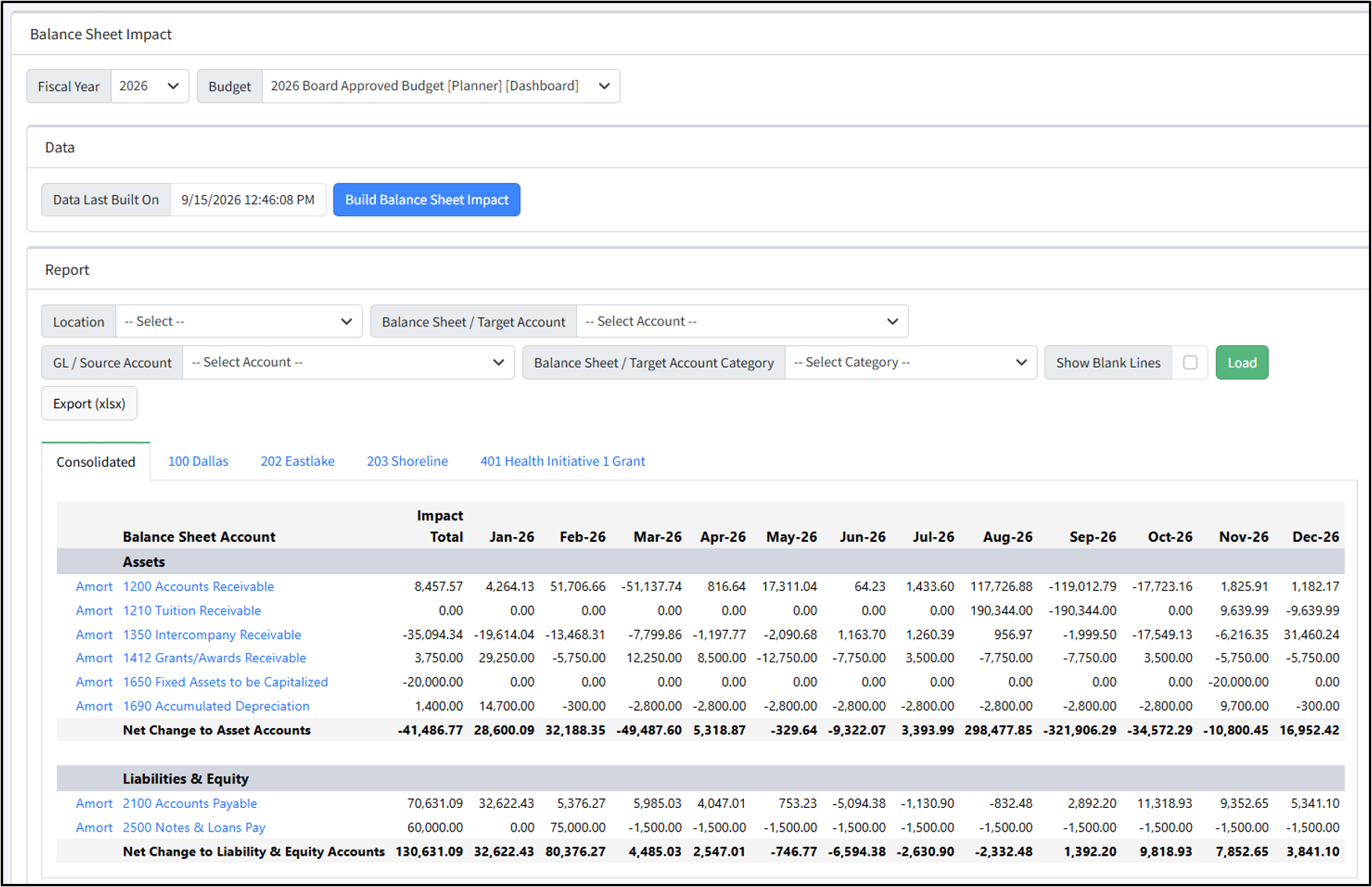
Select the Fiscal Year and Budget. The Data Last Built On date shows the last date the balance sheet impact was generated. If desired, click Build Balance Sheet Impact to load the most recent data. If any changes have been made to accounts, account categories, amortization schedules, etc., you may want to refresh the balance sheet.
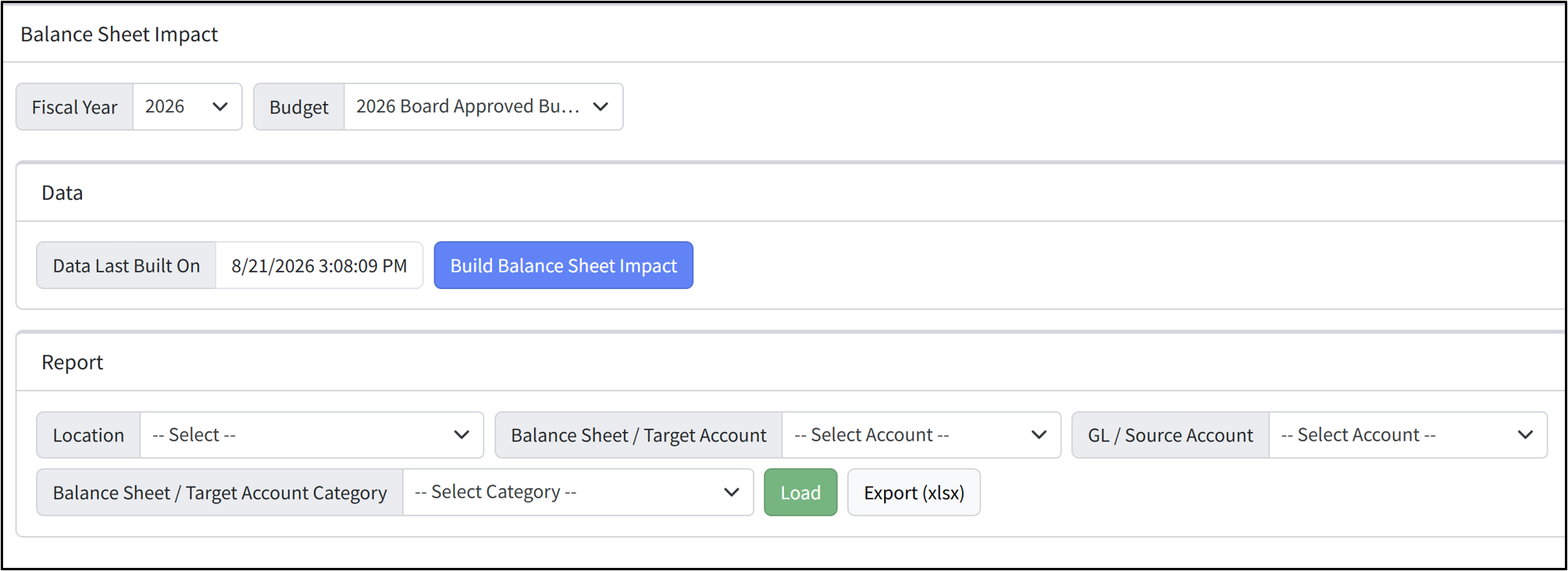
In the Report area, select any filters for viewing the data, and click Load. You can also export the report to Excel. Columns include the Location (entity), the Balance Sheet Account, the Impact Total, and monthly amounts.
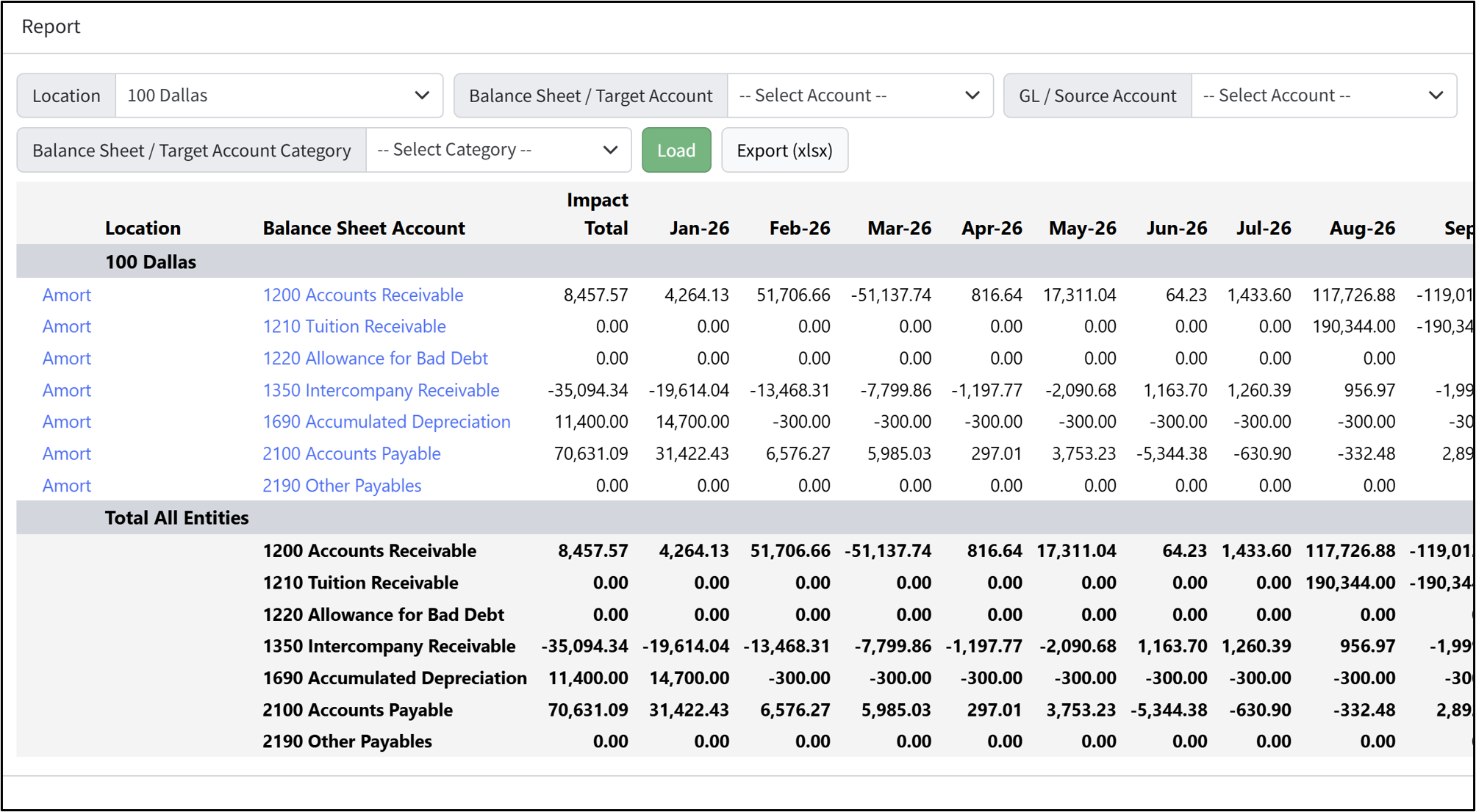
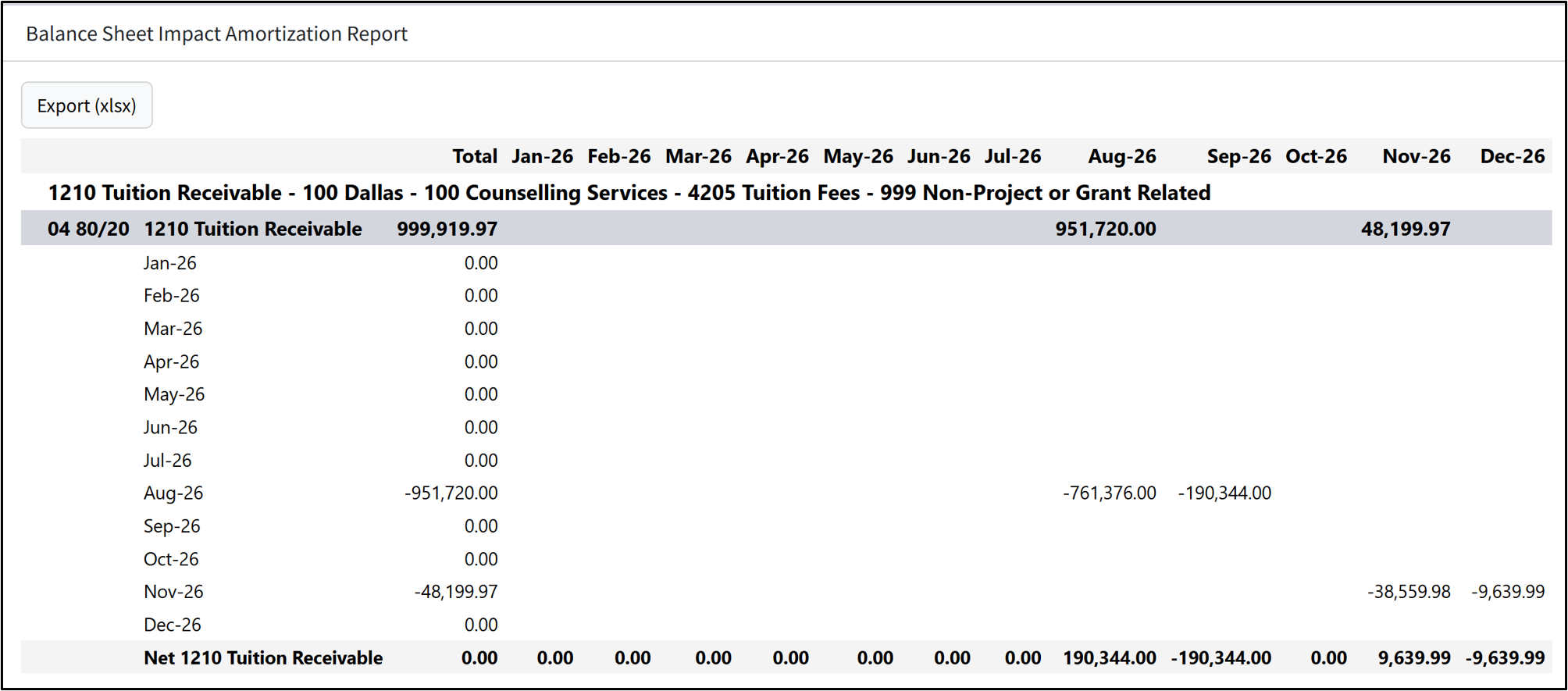
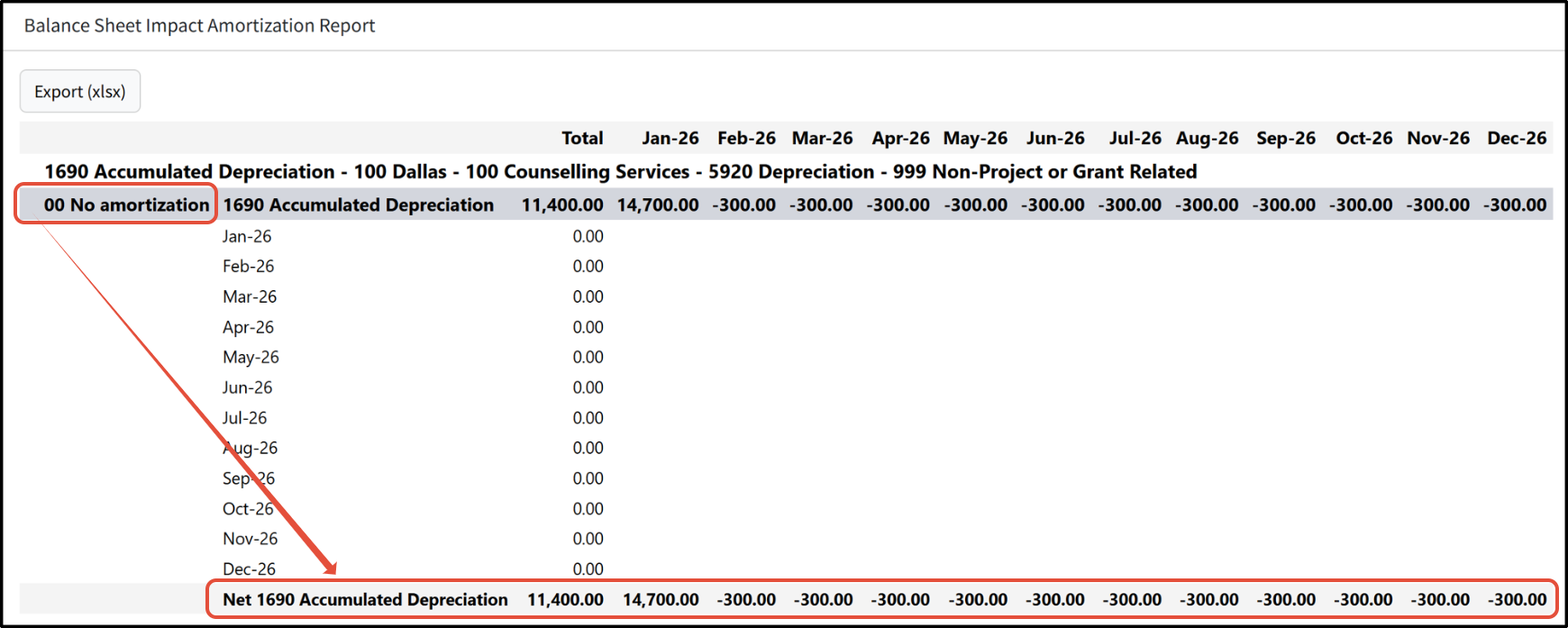
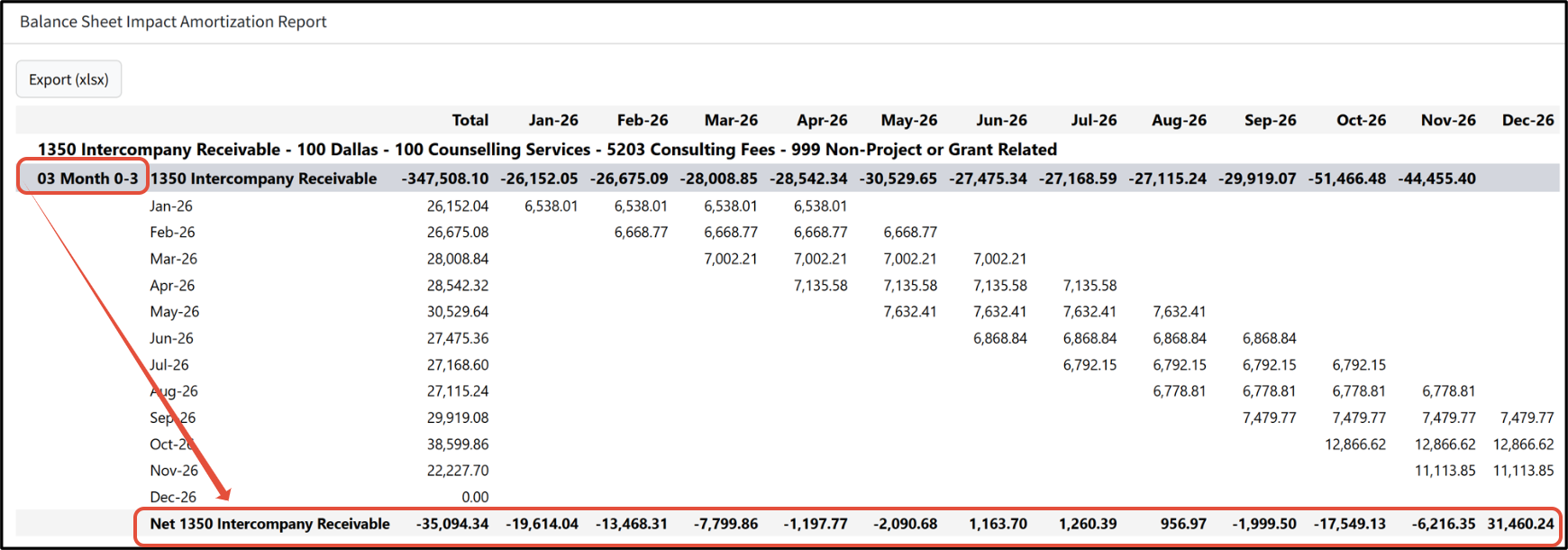
Click Amort to drill down to the Balance Sheet Impact Amortization report.
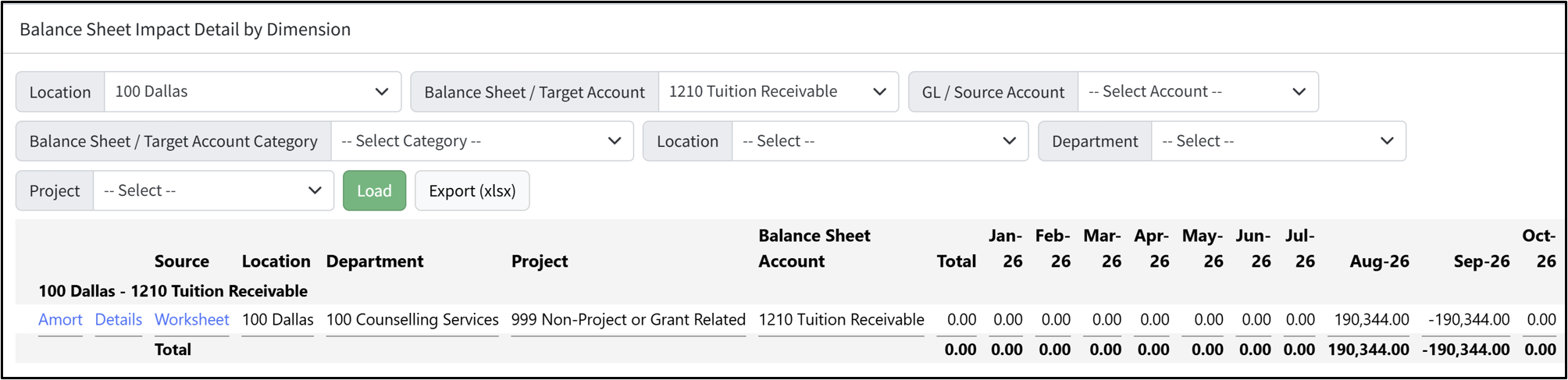
Click a balance sheet account to drill down to the Balance Sheet Impact Detail by Dimension report. You can then drill down further by clicking on Amort, Details, or Worksheet.
BSI Calculations
BSI is calculated for the following:
- Worksheet lines (including those that come from a WSPW or a GSPW)
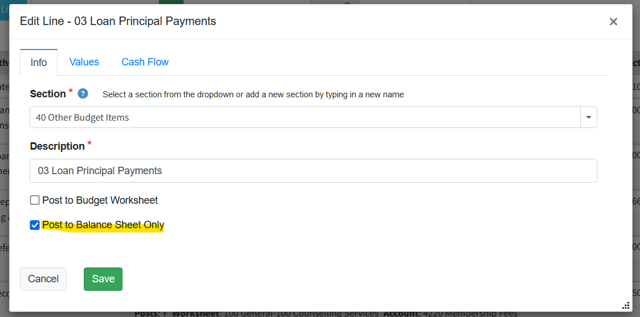
- GSPW lines that Post to Balance Sheet Only
Amortization
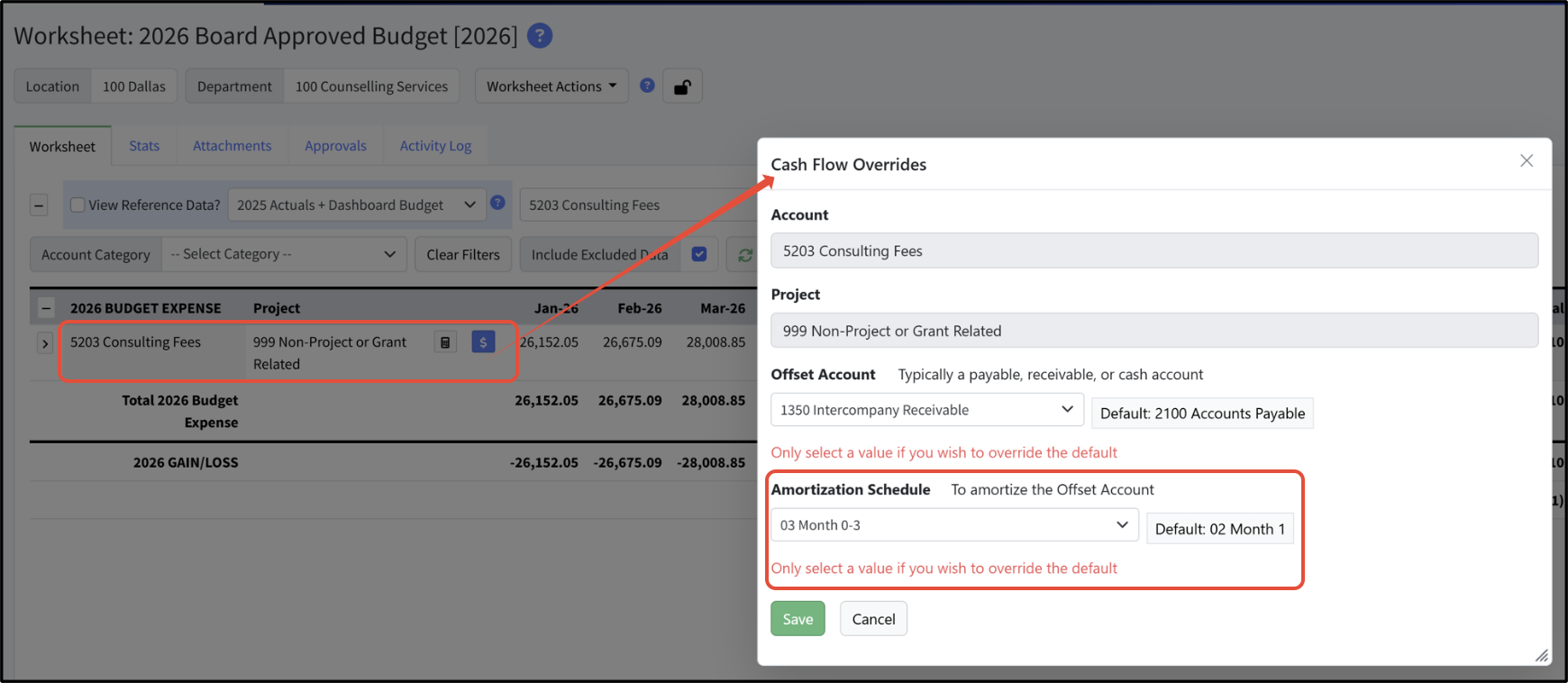
Amortization examples are shown below.
Templates
For more complex balance sheet impacts, you must use a GSPW with templates that (hopefully) make it easy to enter your transactions without having to know the specifics of BSI math. Find more information here.
Was this article helpful?
That’s Great!
Thank you for your feedback
Sorry! We couldn't be helpful
Thank you for your feedback
Feedback sent
We appreciate your effort and will try to fix the article