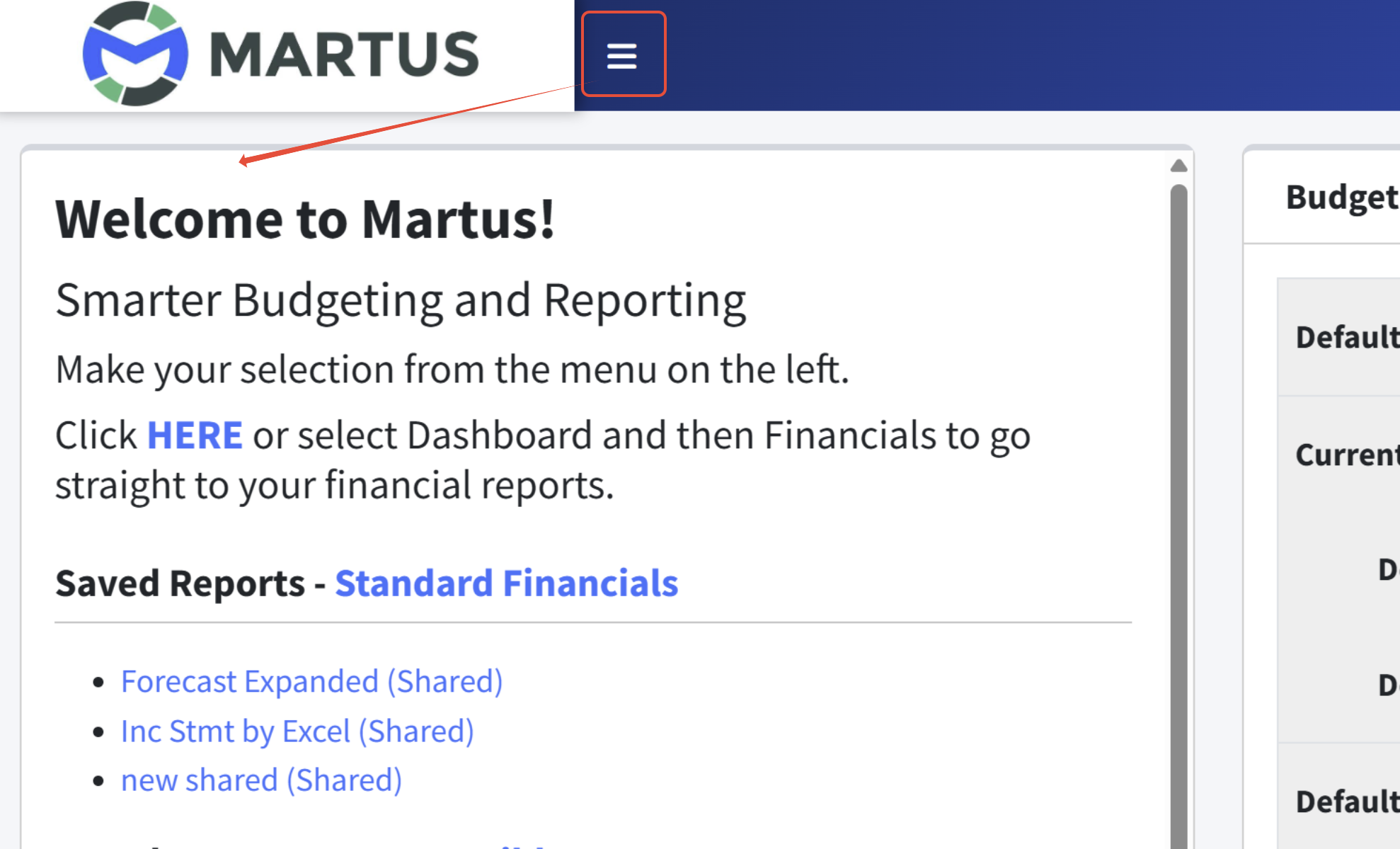
The Martus software header has several functions.

The upper left corner displays the Martus logo or your company logo, or your partner logo, if you have one. Martus Admins and Partner users can review and upload logos in Setup > Branding.
The hamburger icon - three stacked horizontal lines - to the right of the logo can be used to show/hide the Martus Menu.
The chat icon is used to access Ask Marty!, our AI-assisted support tool that searches the knowledge base and help files. More info can be found here in the Guide to Our Support Tools.
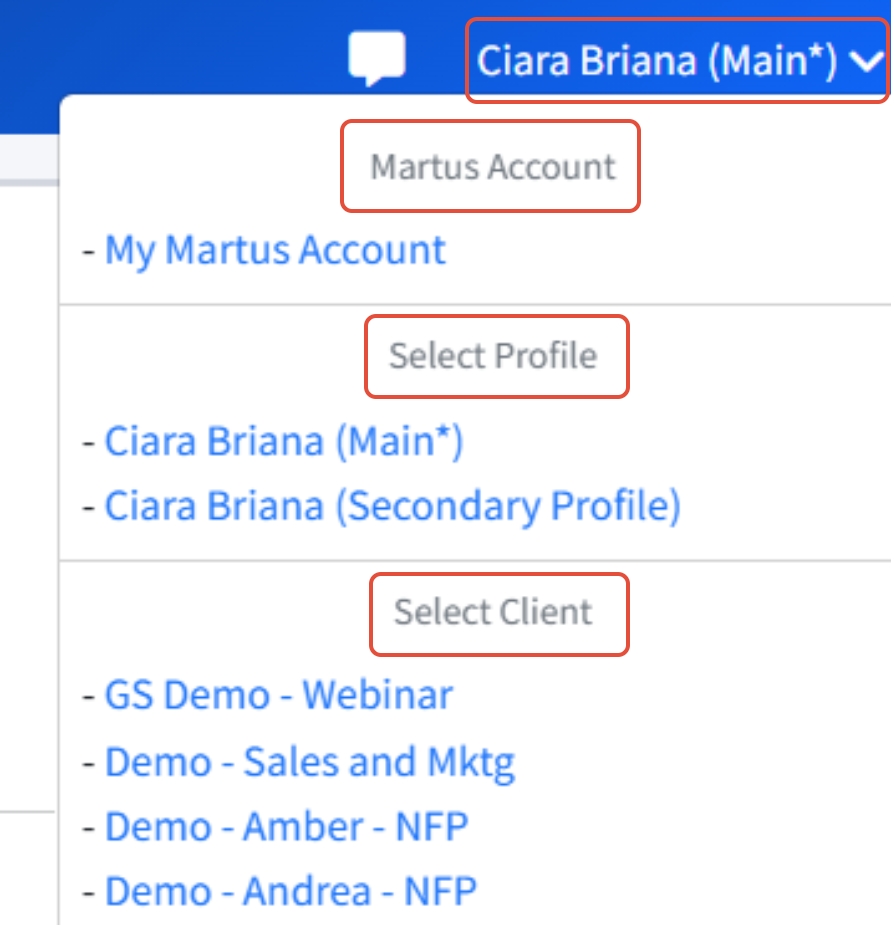
Next to the chat icon is the logged-in user. Clicking the dropdown in the upper right corner reveals three user options. User account information can be accessed via My Martus Account. Also shown are User Profiles (used to create different sets of permissions for the same user in Martus) and Clients, if applicable. If a user has an account in more than one instance of Martus, those instances are shown in the dropdown. Clicking on an instance will log the user into that instance.
Was this article helpful?
That’s Great!
Thank you for your feedback
Sorry! We couldn't be helpful
Thank you for your feedback
Feedback sent
We appreciate your effort and will try to fix the article