Integration Documents - Campfire
Campfire - Integration Features and Requirements
The purpose of this document is to list all the specific features of the Martus integration with Campfire, calling out the features that we do support and others we do not, and noting where Martus or Campfire has a particular limitation or requirement.
Overview of Integration Features
The integration includes these features:
- Sync the chart of accounts from Campfire, including account hierarchy (parent accounts) and active/inactive status.
- Sync dimensions from Campfire: Departments, Locations (Campfire entities), and Custom Dimensions (Campfire tag groups).
- Sync GL transactions from Campfire for any selected date range.
- Drilldown in Martus from standard financial reports to see transaction detail.
- Drilldown to attachments on Campfire journal entries.
- Martus' Cash Flow Forecasting is available for Campfire integrations at the Premium subscription level.
Authorization
Martus access to Campfire is via a Campfire API key. No other connection settings, such as a realm or company ID, are required.
Chart of Accounts Sync
The Campfire chart of accounts syncs into Martus as GL accounts. Accounts are matched on their Campfire ID, so if an account number or name is changed in Campfire, the change is reflected in Martus on the next sync. Parent/child account relationships are carried over.
An account is marked inactive in Martus when it is inactive or deleted in Campfire.
The following accounts are not imported into Martus:
- Accounts with no account number
- Accounts with no account name
- Accounts with an account type of Uncategorized
Campfire account types map to Martus account types as follows:
Campfire Account Type | Martus Account Type |
|---|---|
Asset | Asset |
Liability | Liabilities |
Equity | Equity |
Revenue | Income |
Other Income | Income |
Operating Expenses | Expense |
Other Expense | Expense |
COGS | Expense (subtype Cost of Goods) |
Cost Allocation | Expense |
Uncategorized | Not imported |
If Campfire returns an account type not listed above, the sync reports an error so the account can be reviewed.
Dimension Setup
As with any Martus configuration, the Implementation Consultant works with the customer to identify the dimensions that are important to budgeting and reporting. (GL accounts are not considered dimensions, within Martus.)
Martus can support the following Campfire dimensions, up to the Martus maximum of 8 dimensions:
Campfire Source | Martus Dimension | Notes |
|---|---|---|
Departments | Department | Department code syncs as the item number. |
Entities | Location | Entities have no code, so items sync by name only. |
Tag groups | Custom Dimensions | Each tag group becomes one custom dimension; its tags become the dimension items. |
A few things to know about dimension syncing:
- Department and Location sync only if that dimension is configured in Martus.
- Parent/child relationships within each dimension carry over to Martus.
- Items with no name in Campfire are not imported.
- Items that are inactive or deleted in Campfire are marked inactive in Martus.
- Items that no longer appear in Campfire are automatically marked inactive in Martus, so the dimension stays current.
- Tags that do not belong to any tag group can be collected into a single "No Group" custom dimension.
- Tags from tag groups that are not configured in Martus are not imported.
GL Transaction Sync
Martus syncs posted GL transactions from Campfire for the selected date range. Each transaction brings in the following detail, which is available when drilling down from Martus reports:
Martus Field | Campfire Source |
|---|---|
Reference | Campfire transaction ID |
Date | Posted date |
Amount | Amount |
Account | GL account |
Vendor | Vendor name |
Memo | Journal memo, or the bank description if there is no journal memo |
Attachment | Linked journal entry, when it has files attached |
Dimensions | Department, Location (entity) and tags |
Transactions with a zero or blank amount are not imported. Campfire returns these for empty journal entry lines.
If a transaction references an account, department, location or tag that is not yet in Martus, the sync reports an error. This usually means the account or dimension sync needs to run first.
Pulling Budgets from Campfire
Not yet supported.
Syncing Budgets Directly from Martus to Campfire
Not yet supported.
Budget Export in an Optimized Format
Not yet supported.
Statistical Accounts
Not yet supported.
Display of Attachments
Supported. When a Campfire journal entry has files attached, users can drill down from the transaction detail in Martus to view them.
Display of Vendor Name
Supported. The Campfire vendor name is included on transaction detail.
Multi-Currency
Not yet supported.
Multiple Entities
Not yet supported. Campfire entities sync into Martus as the Location dimension for reporting within a single Martus instance.
Campfire - Integration Setup
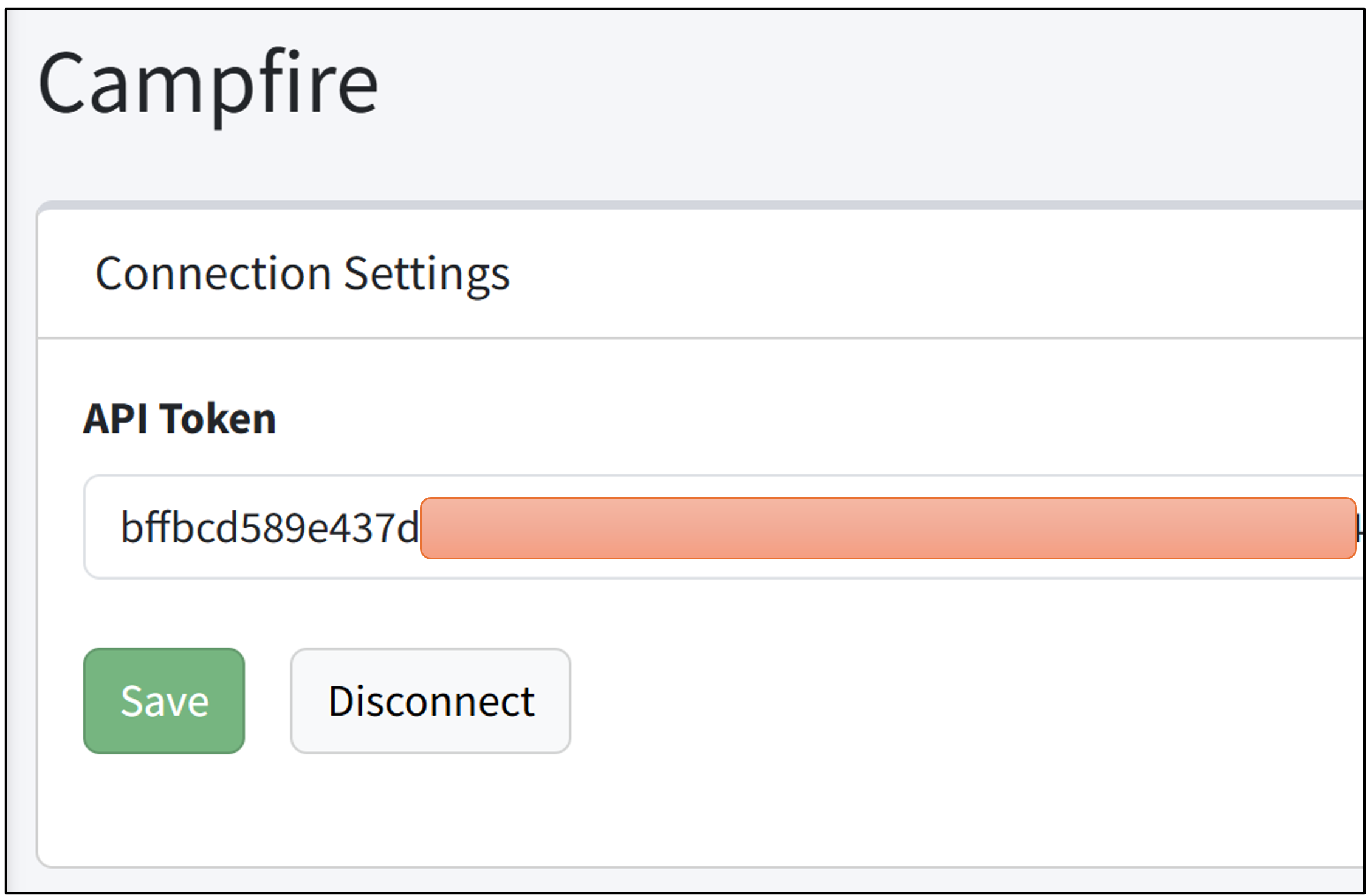
To connect Martus to Campfire, you only need an API Token. Enter the API Token in Setup > Campfire in Martus.
You do not need any additional settings. Once entered, Martus can sync your accounts, departments, locations, tags, and transactions.